Jade Buddha Lighting, Shading and Rendering Tutorial
The "Jade Buddha" tutorial which covers most of all the standard Arnold for Maya (MtoA) lighting, shading and rendering features such as Car Paint, Standard Surface and Subsurface, Standard Volume, Atmosphere Volume, Fog, Displacement Shaders and Textures.
https://withego.artstation.com/store/XBW7/jade-buddha-lighting-shading-and-rendering-tutorial
Please note that on page 2 of the optimized Acrobat Pro PDF (6.7 MB) created for the only purpose of sharing it here on Marketplace as a free tutorial, I've uploaded a static preview of the "Jade Buddha" 3D model created using Photoshop to output the file as PDF.
https://helpx.adobe.com/photoshop/using/saving-pdf-files.html
And on page 2 of the main Acrobat Pro PDF (48.9 MB) also included with this free tutorial, I've embedded the "Jade Buddha" 3D model using the “3DPDF Exporter For Maya Trial” plug-in which export 3D models to PDFs and that you can interact with using the 3D tool.
https://apps.autodesk.com/MAYA/en/Detail/Index?id=8517088509237216013
As ArtStation's system doesn't allow me to upload the PDF along with the 3D scenes, which are the main assets, due to an upload file size limit for a free tutorial, I've provided the (48.9 MB) PDF without the 3D scenes (42.5 MB). Guess can feel the struggle, as I did my best to provide both the 3d scenes here, as well as the "Maya Logo" tutorial free of charge. Check the links below to the (MtoA) Help.
https://docs.arnoldrenderer.com/display/A5AFMUG/Standard+Surface
https://docs.arnoldrenderer.com/display/A5AFMUG/Subsurface
https://docs.arnoldrenderer.com/display/A5AFMUG/Standard+Volume
https://docs.arnoldrenderer.com/display/A5AFMUG/Atmosphere+Volume
https://docs.arnoldrenderer.com/display/A5AFMUG/Fog
https://docs.arnoldrenderer.com/display/A5AFMUG/Displacement
As well as the links to more advanced Arnold for Maya (MtoA) lighting, shading and rendering techniques such as Particles, OpenVDB Volume Surfaces and Shapes also covered in Part 2, the "Maya Logo" tutorial.
https://withego.artstation.com/store/b77b/maya-logo-dynamics-lighting-shading-and-rendering-tutorial
https://docs.arnoldrenderer.com/display/A5AFMUG/Maya+Fluids
https://docs.arnoldrenderer.com/display/A5AFMUG/Particles
https://docs.arnoldrenderer.com/display/A5AFMUG/Volume
https://docs.arnoldrenderer.com/display/A5AFMUG/Volume+Sample+RGB+Example
The Acrobat Pro PDF bookmarks point to the main Autodesk Maya Help and Arnold for Maya (MtoA) User Guide sections, while links on the pics point to the techniques used. I've also created a few Acrobat Pro Portfolios with "Playblast" animations.
https://media.giphy.com/media/QWpUATlufnKH0PLPis/giphy.gif
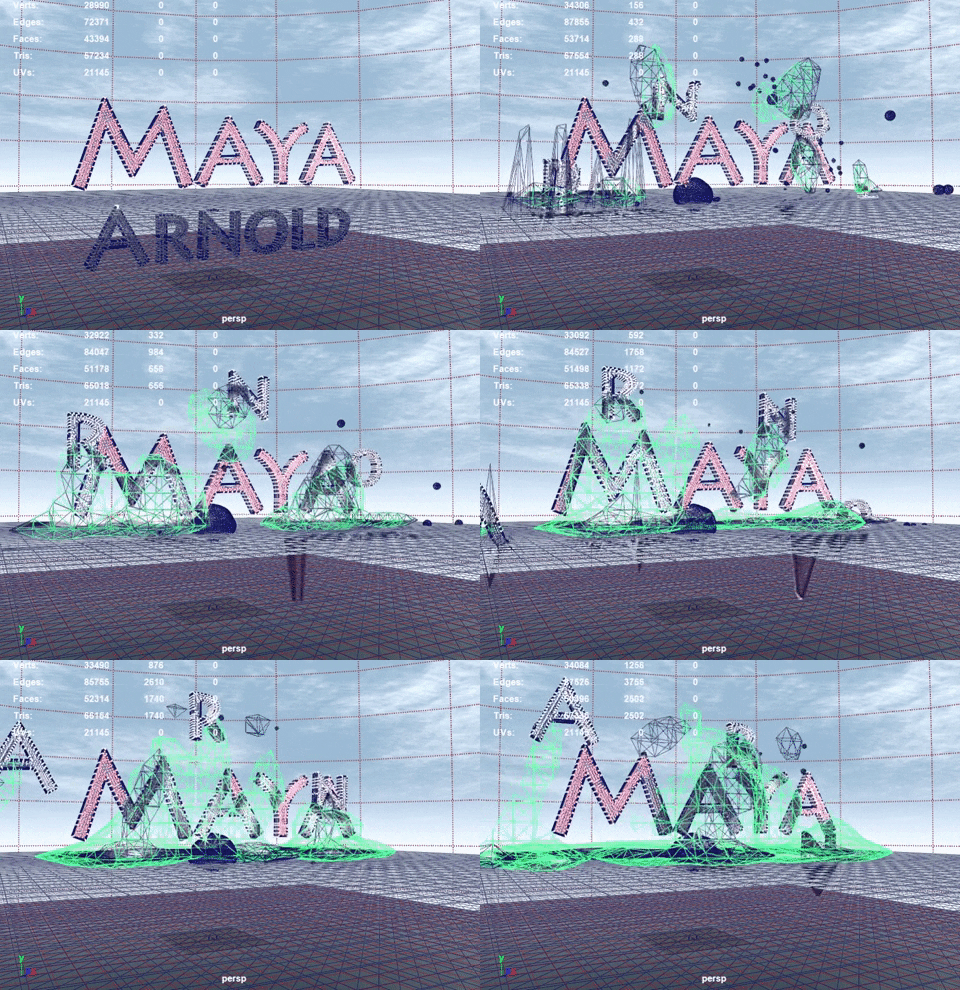
PS. Couldn't create a written tutorial as I did for the previous "Ultimate Maya and Mental Ray Archviz Guide" cause I'm struggling with a lymphoma, and to compensate, took great care to turn a complex series of test into a tutorial composed by Acrobat Pro PDFs with screenshots, bookmarks and links pointing to the Maya Help and Arnold for Maya (MtoA) guide with all the techniques used.
https://docs.arnoldrenderer.com/display/A5AFMUG/Arnold+for+Maya+User+Guide
Credits to the 3D team of Wat Phra Dhammakaya for the "Lord Buddha" 3D model, edited to comply with the scope of the Maya and (MtoA) lighting, shading and rendering tutorial "Jade Buddha".
Hope it helps.

Jade Buddha Lighting, Shading and Rendering Tutorial Preview